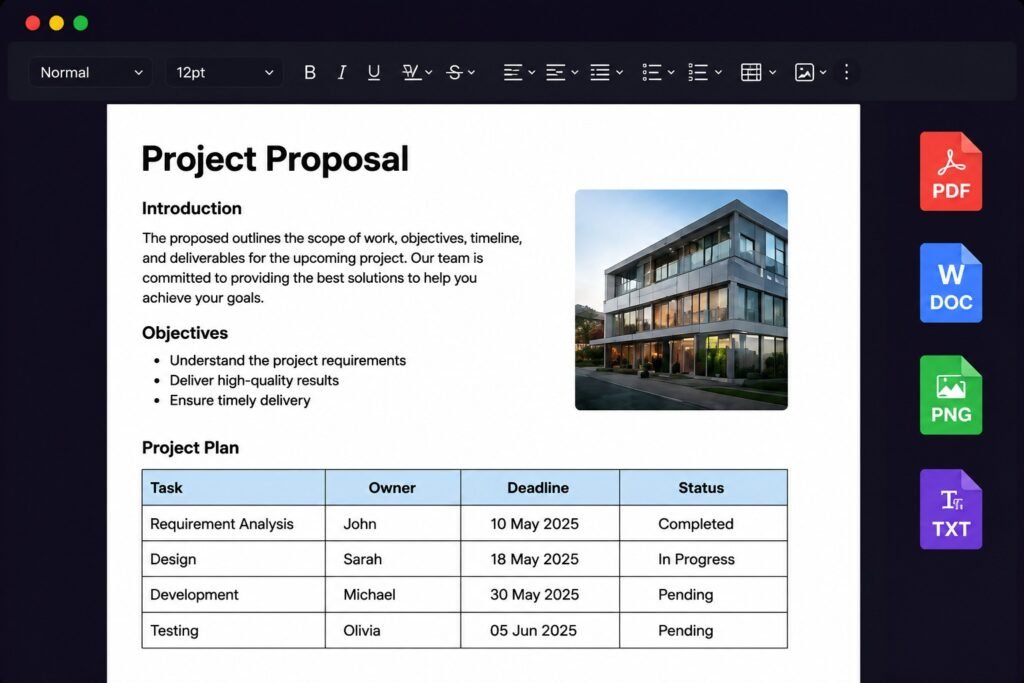










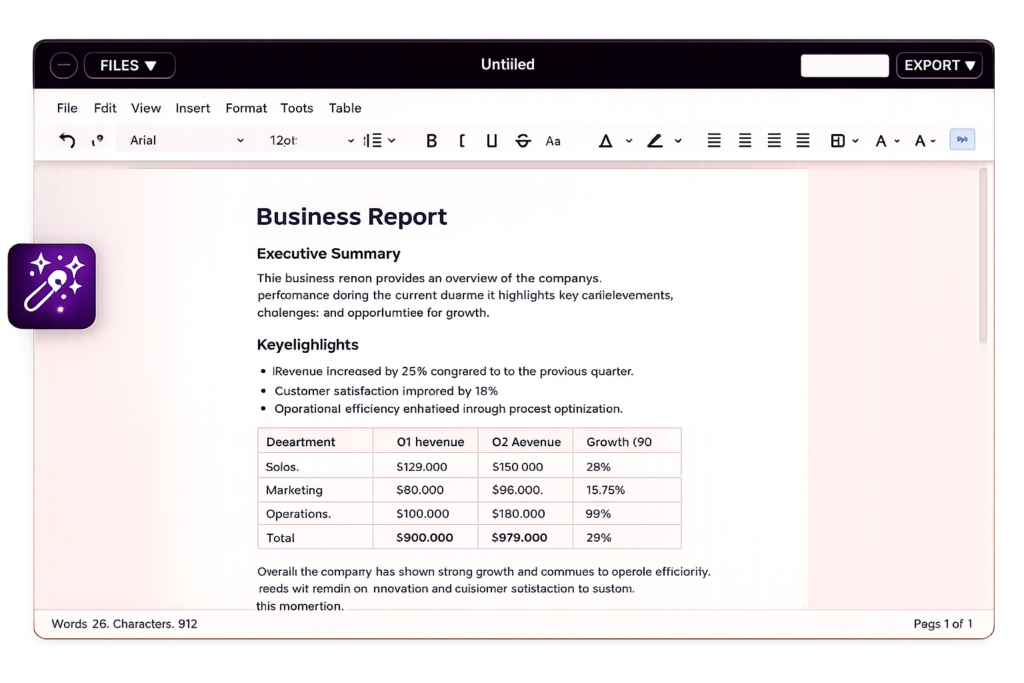











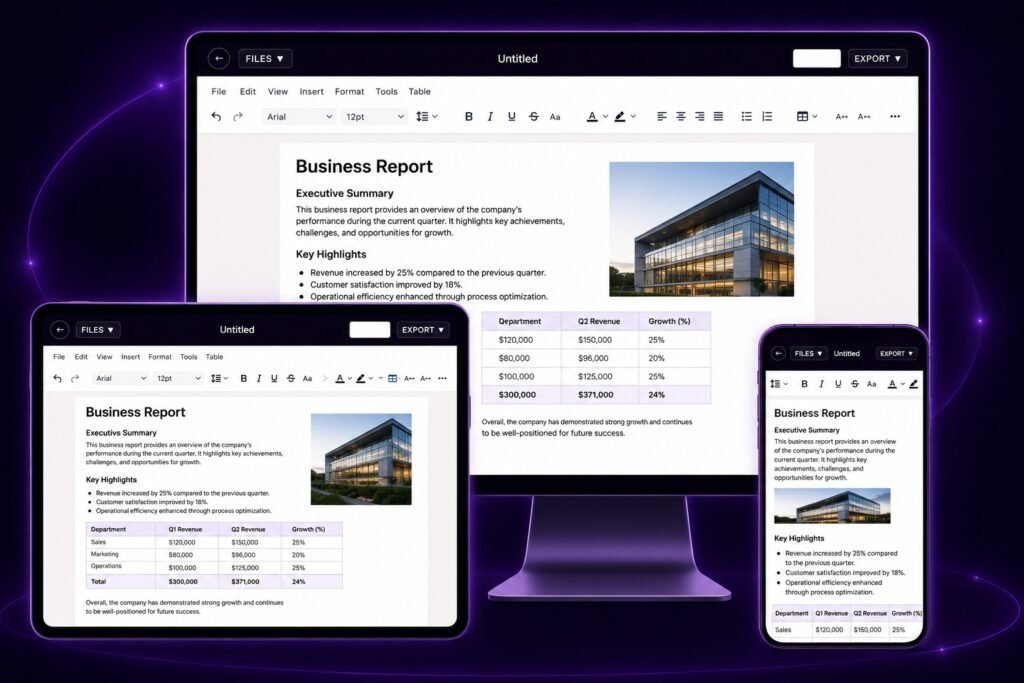


Create resumes, quotations, invoices, newsletters, invitations, reports, letters, project documents, business documents, and much more directly in your browser with an intuitive Word-like editing experience
Write Using Tools of workpad354
Highly optimized for all devices
No time waste Just go straight
All the tools you think are available
Format Document as required
Just one click PDF export
Track your words count in real time
Your Files will Save in browser
Never Loss work with Autosaving
Access files on any device , anywhere
Fasten work with find and replace
Will ad features for more productivity
Designed for productivity
Choose from a wide range of fonts and typography settings.
Edit your documents seamlessly on any device.
Create, merge and style tables with ease.
Export to PDF, DOC, PNG or TXT in one click.
Make your Docs look professional with advanced formatting .
Edit your documents seamlessly on any device.
Create, merge and style tables with ease.
Export to PDF, DOC, PNG or TXT in one click.
Make your documents look professional with advanced formatting options.
Launch the Editor In Your Browser
Write Your content Using all Tools
Launch the Editor To Your Browser
Write Your Content Using All Tools
Format , Style & Organize Your design
Export In Multiple Formats & Share
Export In Multiple Formats & Share
Optimized for speed and performance.
Never lose your work. Auto save every second.
Works directly in your browser.
Export to PDF, DOC, PNG, TXT easily.
Access anywhere, anytime.
Your data is encrypted and safe.
Perfect experience on desktop, tablet and mobile.
Simple, modern and distraction-free.
Optimized for speed and performance.
Never Lose Your work . Auto Save every minute
Works directly in your browser.
Export Into Different Formats
Access Anywhere Anytime .
Your data is safe we don’t Sell your data
Perfect Experience On Desktop , Mobile and Tablet
Simple Modern And Distraction-Free
Workpad354 is the advanced text editor with all necessary features just in browser no any pro or download needed just open the browser and start working .
© 2026 WorkPad354. All rights reserved.
Video Tutorial
FAQ’s
Blogs
Found a problem while using the editor? Let us know by email. Share the details of what went wrong, and our team will look into it and work on a fix.
© 2026 WorkPad354. All rights reserved.